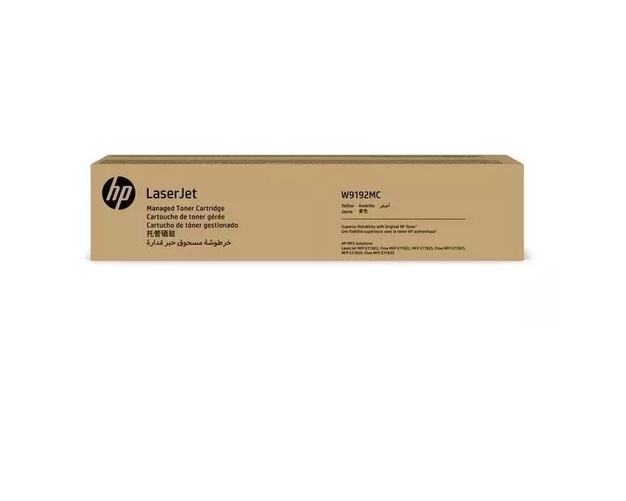
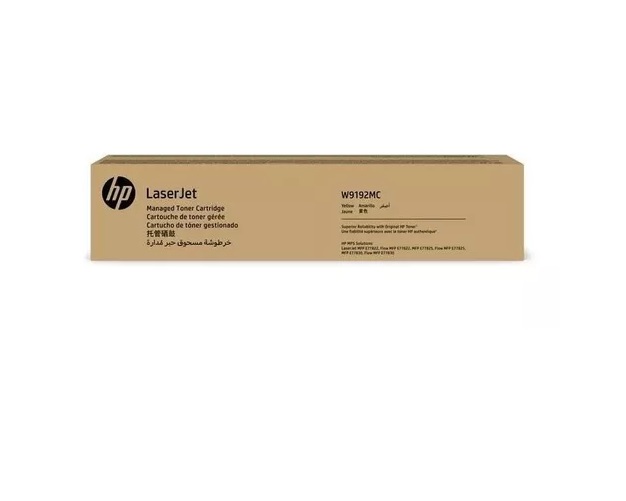
About HP W9192MC Yellow Managed Toner Cartridge
Brand: HP
Product: New
Generic Name: Toner Cartridge
Model no.: W9192MC
Color : Yellow
Usage : Laser Printer
PRODUCT TYPE : TONER CARTRIDGE
Compatible With - E77822dn, E77825dn, E77830dn
Vivid Color PerformanceEnjoy exceptional color accuracy with the HP W9192MC Yellow Managed Toner Cartridge. It ensures consistent, high-quality yellow prints ideal for presentations, marketing materials, or everyday office documents. Specially formulated for HP Color LaserJet MFP E778 series devices, this toner provides professional results, making it an essential component for business productivity.
Seamless CompatibilityDesigned specifically for HP's laser multifunction printers, the cartridge integrates flawlessly with E77822dn, E77825dn, and E77830dn models. Installation is straightforward, ensuring minimal downtime and enhanced printer longevity. This compatibility guarantees that your office workflows remain uninterrupted while maintaining the device's reliability.
FAQ's of HP W9192MC Yellow Managed Toner Cartridge:
Q: How do I install the HP W9192MC Yellow Managed Toner Cartridge in my printer?
A: To install the HP W9192MC Yellow Managed Toner Cartridge, open your printer's front cover, remove the used cartridge, and insert the new one securely into the yellow slot. Close the cover and follow any on-screen prompts to complete the installation.
Q: What printers are compatible with the HP W9192MC cartridge?
A: This toner cartridge is compatible with HP Color LaserJet Managed MFP E77822dn, E77825dn, and E77830dn printers, ensuring seamless performance and print quality.
Q: When should I replace the yellow toner cartridge in my printer?
A: Replace the cartridge when your printer notifies you of low toner levels or when print quality diminishes, such as faded yellow output or uneven color coverage, to maintain optimal results.
Q: Where can I purchase the HP W9192MC Yellow Managed Toner Cartridge in India?
A: You can buy this toner cartridge from authorized HP suppliers and traders across India. Many suppliers offer a lead time of four days for this item.
Q: What is the process for replacing the managed toner cartridge?
A: First, turn off your printer and let it cool. Open the printer door, take out the old cartridge, carefully unpack the new HP W9192MC cartridge, and insert it. Ensure it clicks into place, close the door, and turn the printer back on.
Q: How does using this managed toner cartridge benefit my business?
A: Using the HP W9192MC cartridge ensures consistently sharp, vibrant yellow prints, reduces printer downtime, supports high-volume output, and helps control printing costs by providing reliable, long-lasting performance.
Q: What type of print technology does the HP W9192MC cartridge use?
A: The HP W9192MC utilizes advanced laser print technology, which delivers fast print speeds, precise color, and reliable performance for both printing and copying tasks.
 Send Inquiry





 Send Inquiry